
Scans & PDFs
MyScanMate: Paper to PDF.
Scan to PDF, extract text with OCR and organize with tags: fast, private and synced via iCloud Drive.

What it does
Smarter Document Scanning, Made Simple
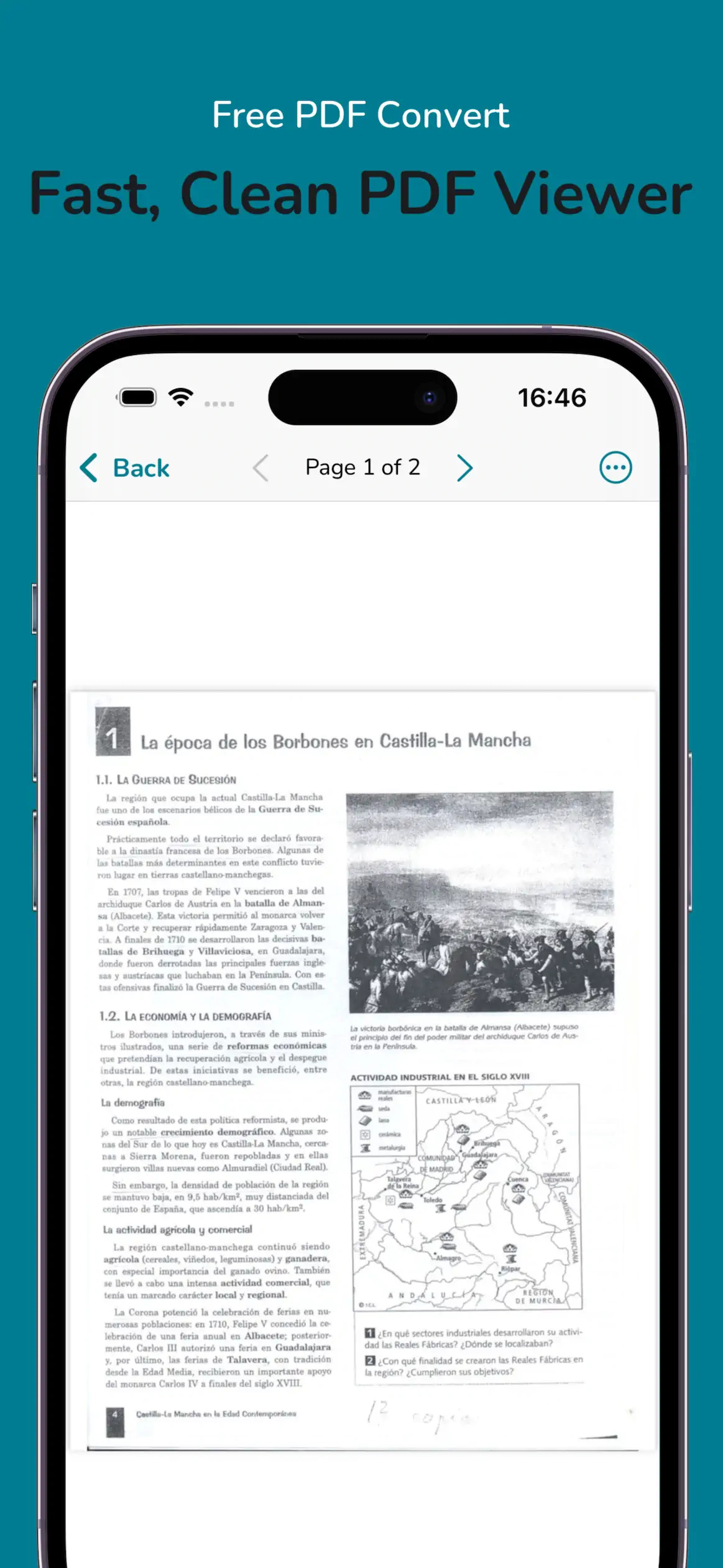
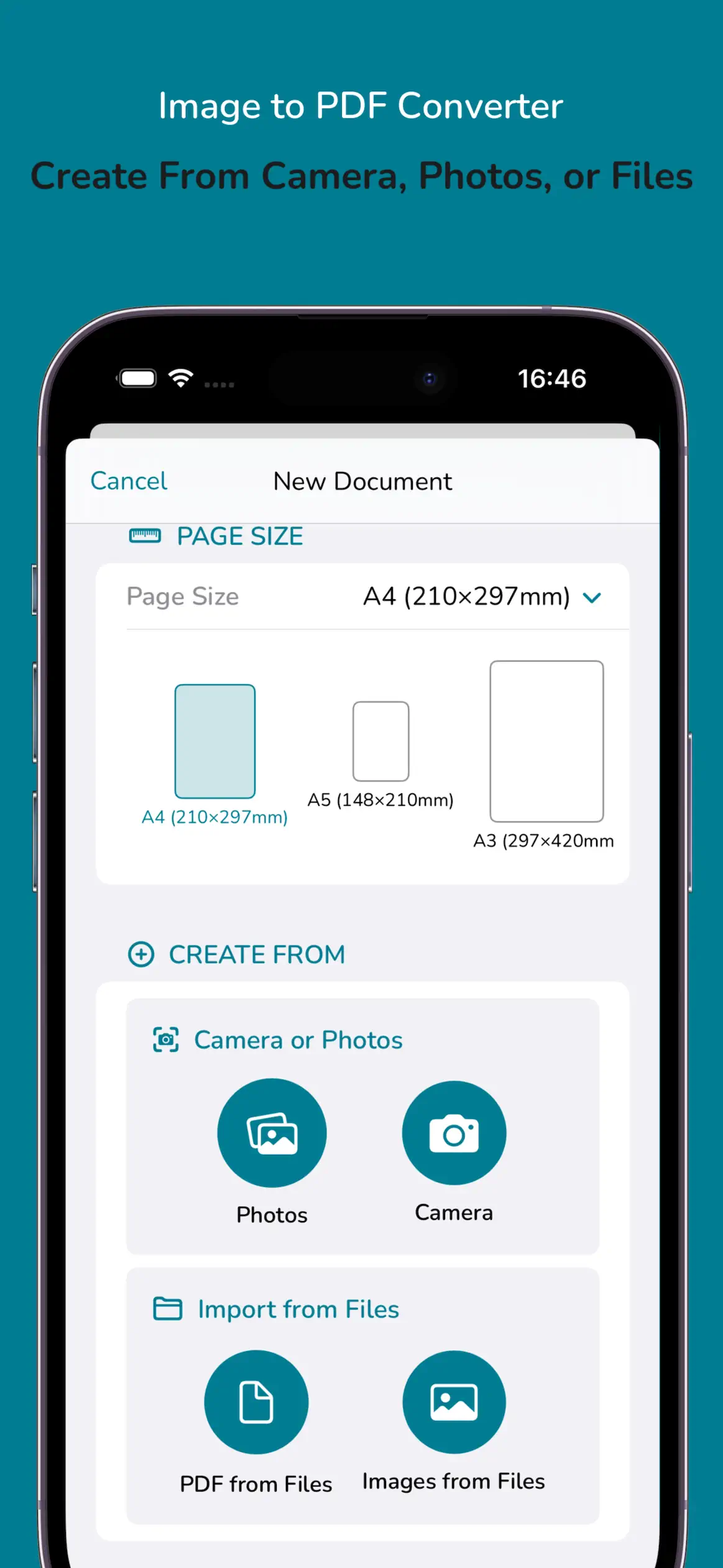
MyScanMate turns your iPhone or iPad into a powerful mobile scanner. Capture documents from Camera, Photos, or Files with automatic edge detection, perspective correction, and clean auto-crop. Create multi-page PDFs in seconds with selectable page sizes like A4, Letter, and Legal.
Extract selectable, searchable text with fast OCR, and automatically pick up key details like dates, addresses, phone numbers, and emails. Reorder, rotate, duplicate, or delete pages in a visual editor, then export as PDF or images, protect with a password, or extract all text for reuse-no hoops to jump through.
Keep everything organized with tags and lightning-fast search across titles, tags, and OCR text. Documents live in your iCloud Drive for seamless access on iPhone, iPad, and Mac via the Files app or Finder. Private by design-no sign-in required, and it works offline.
What it does for you
- Photo to PDF with Auto-Crop
- OCR & Smart Data Extraction
- Secure PDFs with Passwords
- Reorder, Rotate & Edit Pages
- Tags & Fast Search
- iCloud Drive Sync & Share
Who it’s for
- Anyone who keeps receipts, invoices and notes as PDFs
- Anyone who needs to find a document by its text
- Anyone who shares documents and wants them password-protected
Inside
This is MyScanMate.
Screens from the app, just as you’ll see them when you open it.
In detail
Everything MyScanMate does.
Scan to PDF in Seconds
Capture documents from Camera, Photos, or Files with automatic edge detection and instant auto-crop. Get clean, glare-free scans without fiddling-just point, confirm, and save.
Choose A4, Letter, Legal, and more, then build multi-page PDFs in a single flow with live previews. Reorder on the fly so pages look right before export.
Perfect for receipts, contracts, worksheets, and IDs-everything straightened and saved as crisp PDFs. Built-in OCR makes text selectable and ready to reuse.

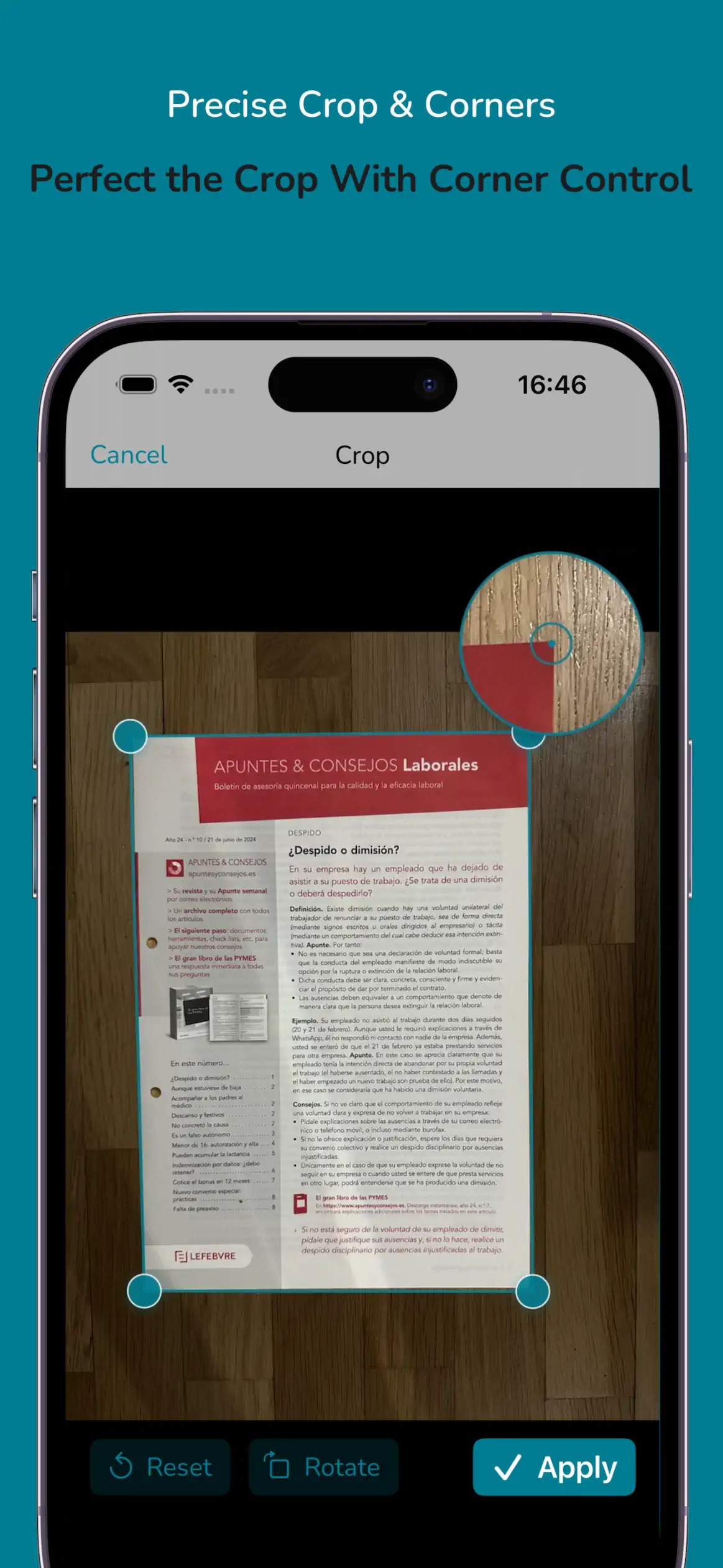
Precise Crop & Corner Fix
Fine-tune every page with draggable corner handles for pixel-perfect crops. Snap-to-edge guides help align borders with zero guesswork.
Fix perspective on tilted pages and keep margins consistent across the entire document. Maintain a professional look even from angled captures.
Apply adjustments in bulk across multiple pages to stay tidy and uniform. Save time when scanning long worksheets or multi-page forms.
OCR & Structured Data
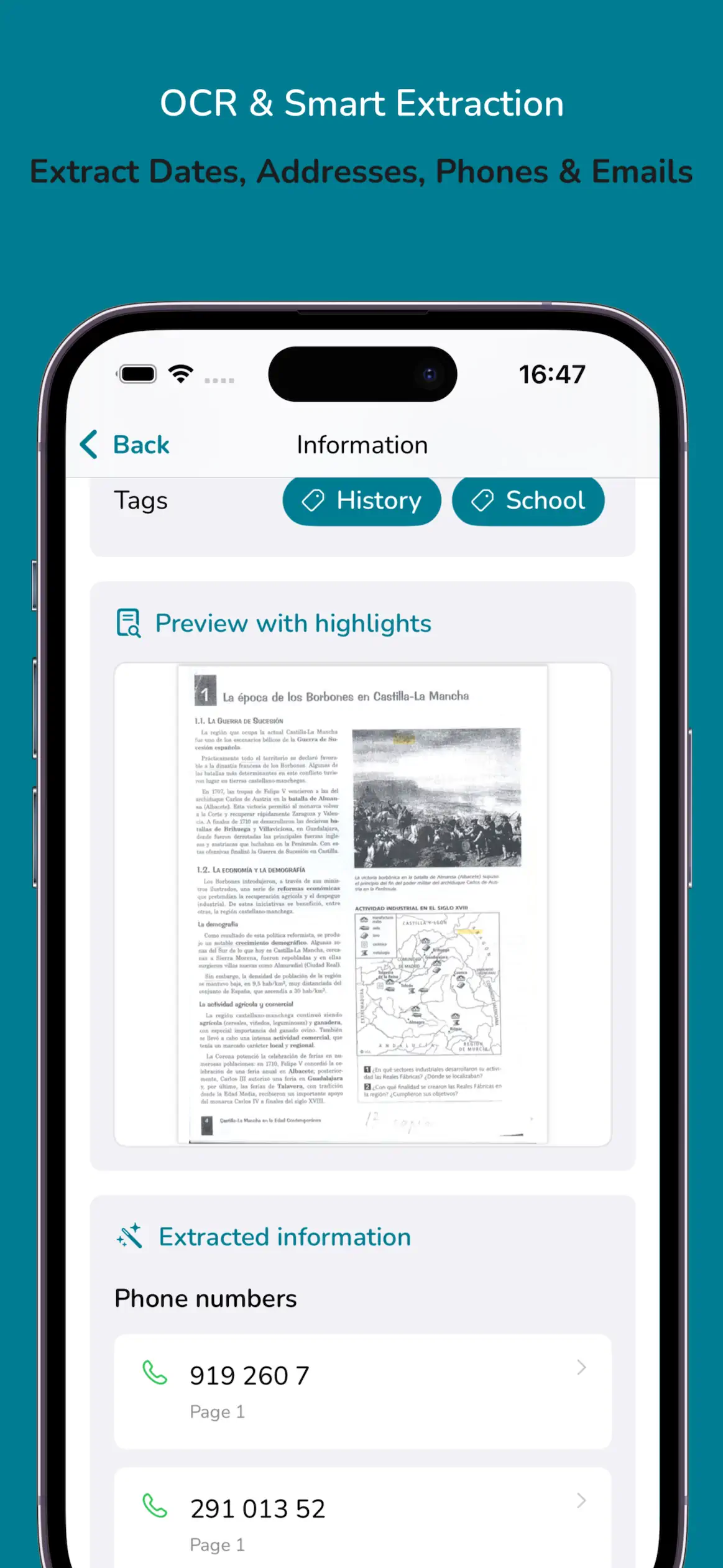
Turn images into selectable, searchable text with fast OCR so you can copy, paste, and share without retyping.
Automatically detect and extract key fields-dates, addresses, phone numbers, and emails-into clean, copy-ready text. Reduce manual entry for forms and records.
Search your entire library by words found inside scans and jump straight to the right page. Results highlight matches for quick verification.

Page Editor: Reorder, Rotate, Duplicate
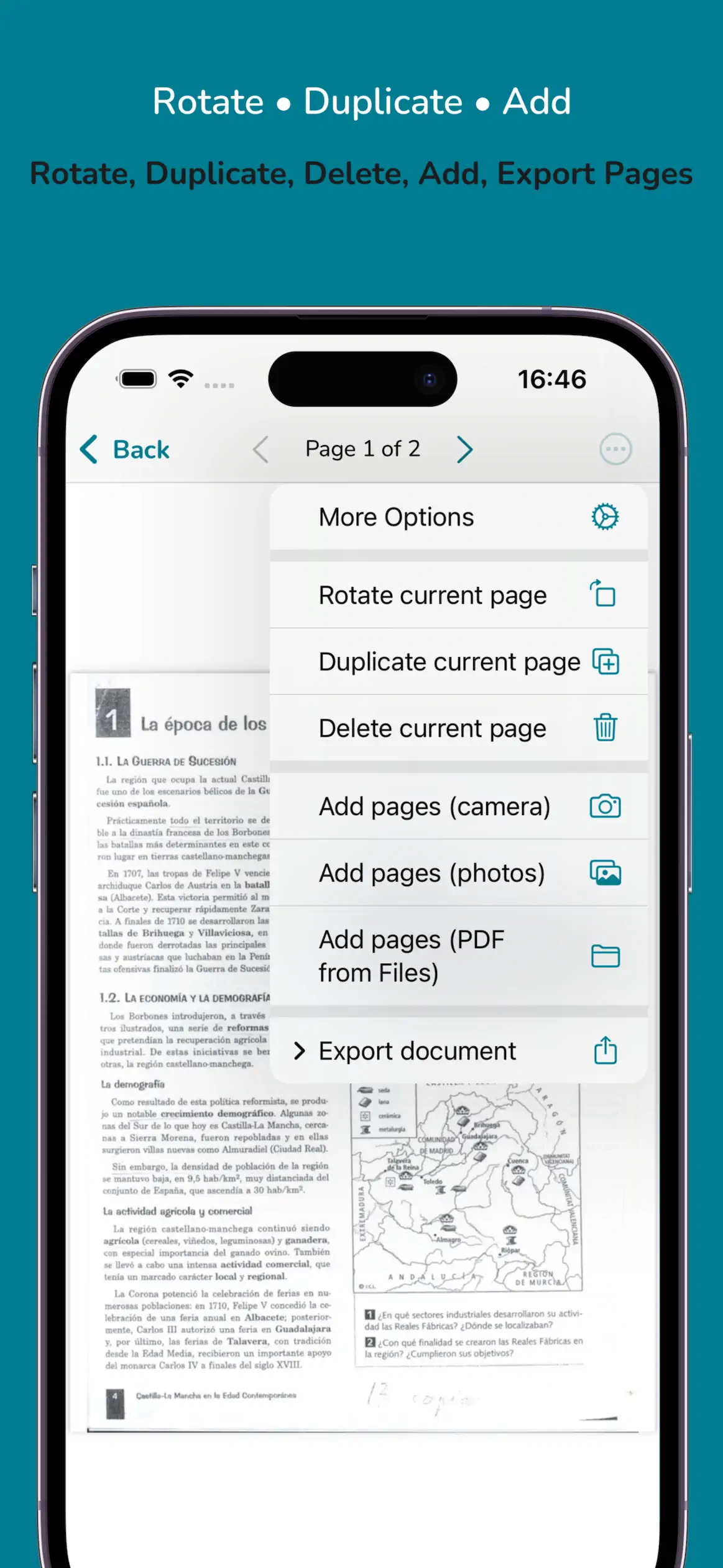
Arrange pages with thumbnail views-drag to reorder, rotate, duplicate, or delete in seconds. Everything updates instantly.
Add new pages from Camera, Photos, or Files without leaving the document, and keep the editing flow uninterrupted.
Preview changes in real time so your final PDF looks exactly right-no surprises after export.
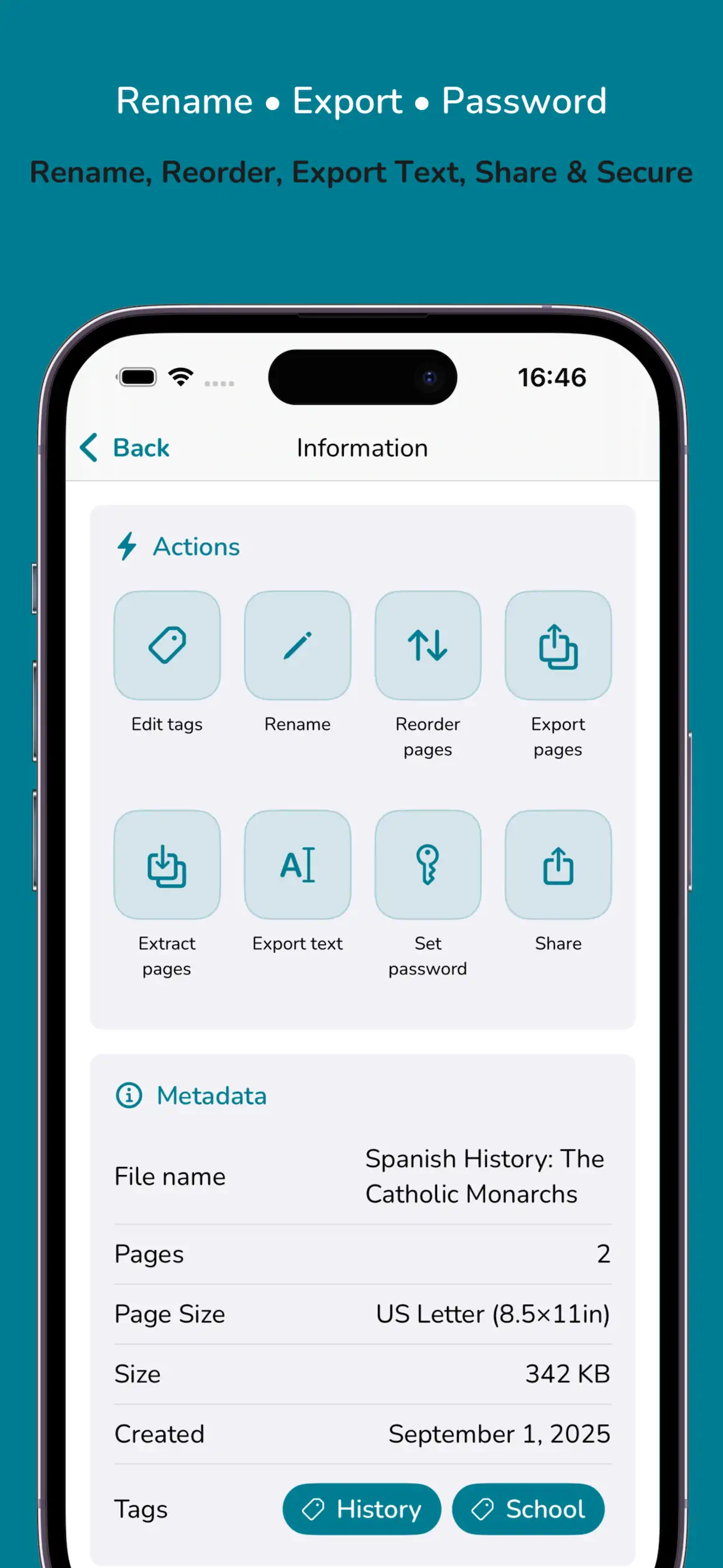
PDF Tools: Export, Password, Text
Export the whole document or selected pages as a new PDF or as high-quality images for sharing or archiving.
Extract all text from a scan to reuse in emails, notes, or forms, preserving paragraphs and line breaks where possible.
Protect sensitive documents with a PDF password set right inside the app, keeping contracts and IDs secure when you share.
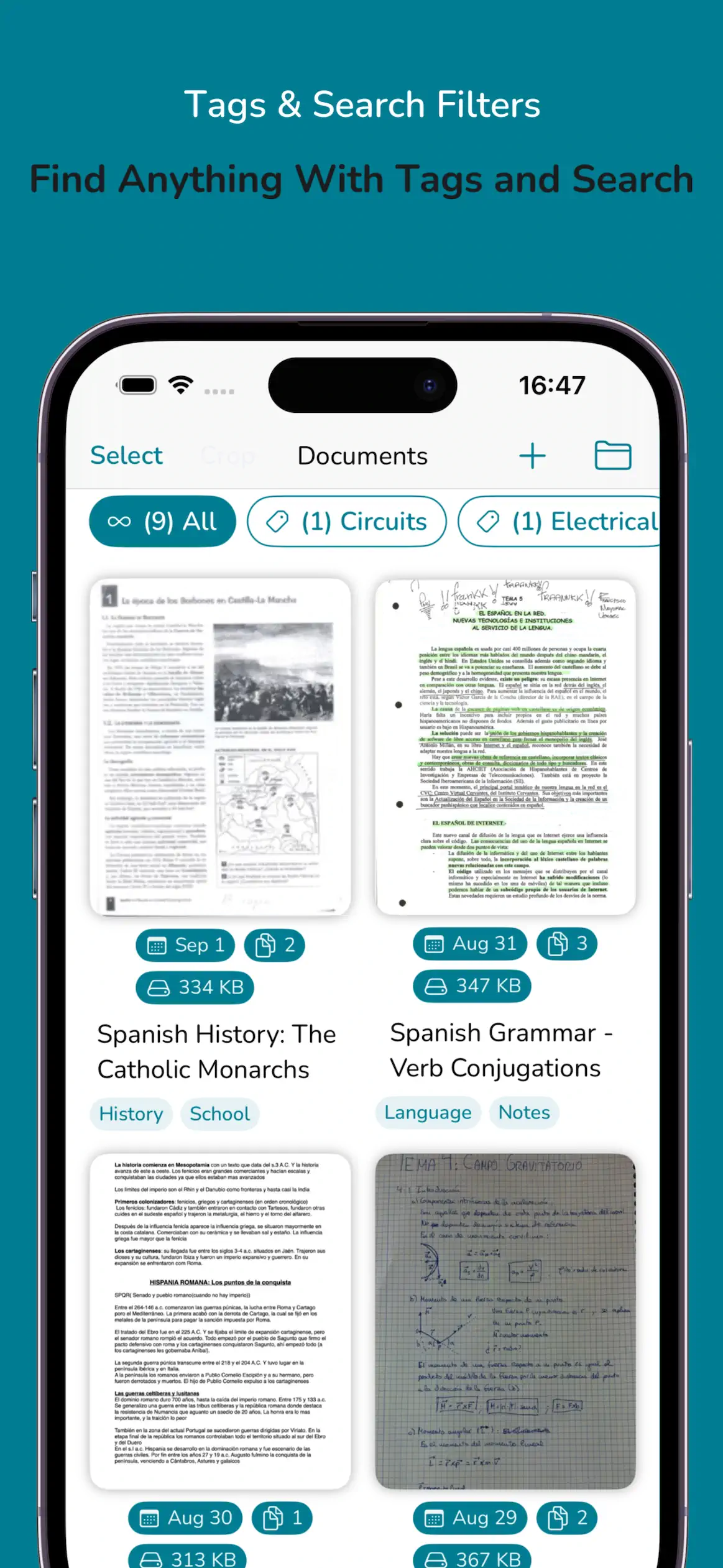

Tags & Fast Search
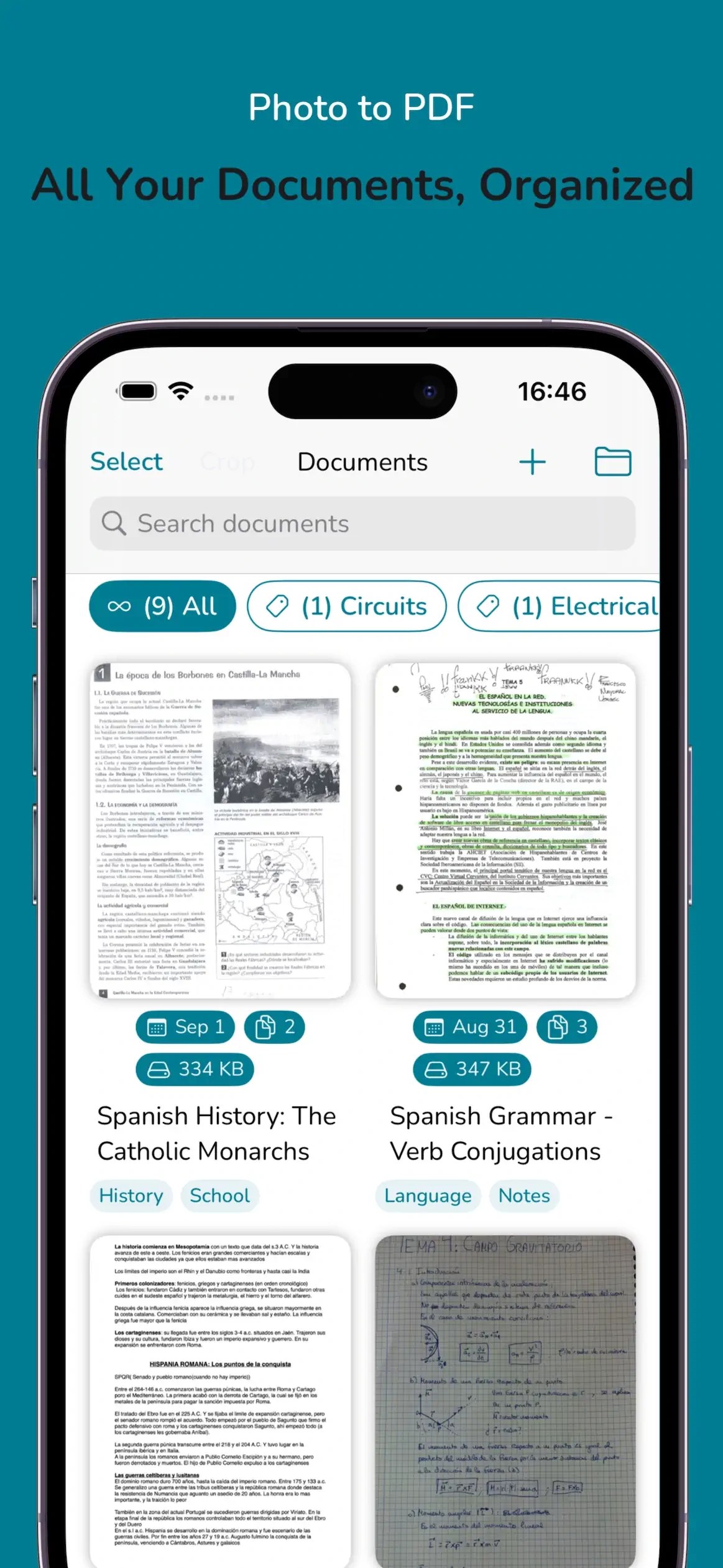
Organize with custom tags to keep receipts, schoolwork, and paperwork neatly grouped, whether you scan daily or occasionally.
Filter by tag to find documents instantly-even in large libraries-and combine multiple tags to narrow results.
Search by title, tags, and OCR text together to surface exactly what you need, then open directly to the right page.

iCloud Drive Sync & Files Access
Your documents live in iCloud Drive, available on iPhone, iPad, and Mac via the Files app or Finder, with the same folders everywhere.
Work offline when needed, and sync changes automatically when you’re back online-no manual steps required.
No extra accounts or logins-just private, secure storage you control. Keep ownership of your files and share only when you choose.
A The Mate Club app
MyScanMate is one. You’ve got four more Mates.
With the same account, free and with no card. And with the Club plan, one membership for all five.
 Recipes & plansMyChefMateRecipes, step by step.
 Food & nutritionMyFoodMateKnow what you eat.
 Body & progressMyBodyMateTrack your progress.
 AI portraitsMyHeadshotSelfie to portrait.
From the makers of The Mate Club
Totem Studio AIAI for your business
Every call answered.
Every lead called back.
The Mate Club
Included with your plan
Your paid plan includes The Mate Club.
Five apps for your everyday, included.
Download MyScanMate.
Scan and organize your documents.
Questions about MyScanMate? Account, purchases, sync and the most common questions.